Top Down Camera 1.1 Demo
A downloadable demo for Windows
Evaluation preview: Try the self-contained example map for Top Down Camera 1.1.0.
Demonstrated features
- Immediate, Smooth, and Inertial movement profiles
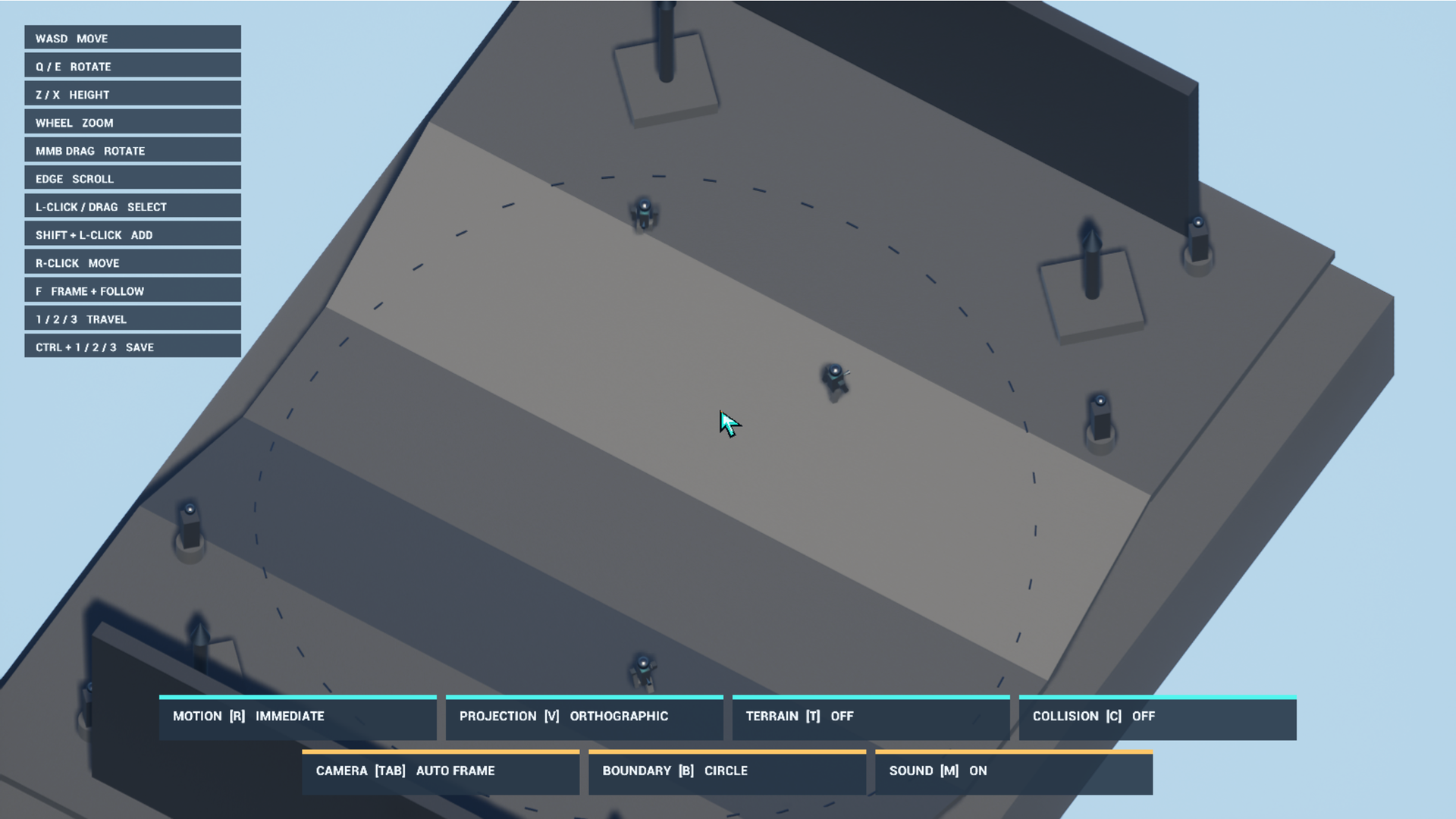
- Manual, Follow Group, and Auto Frame camera modes
- Weighted multi-actor framing
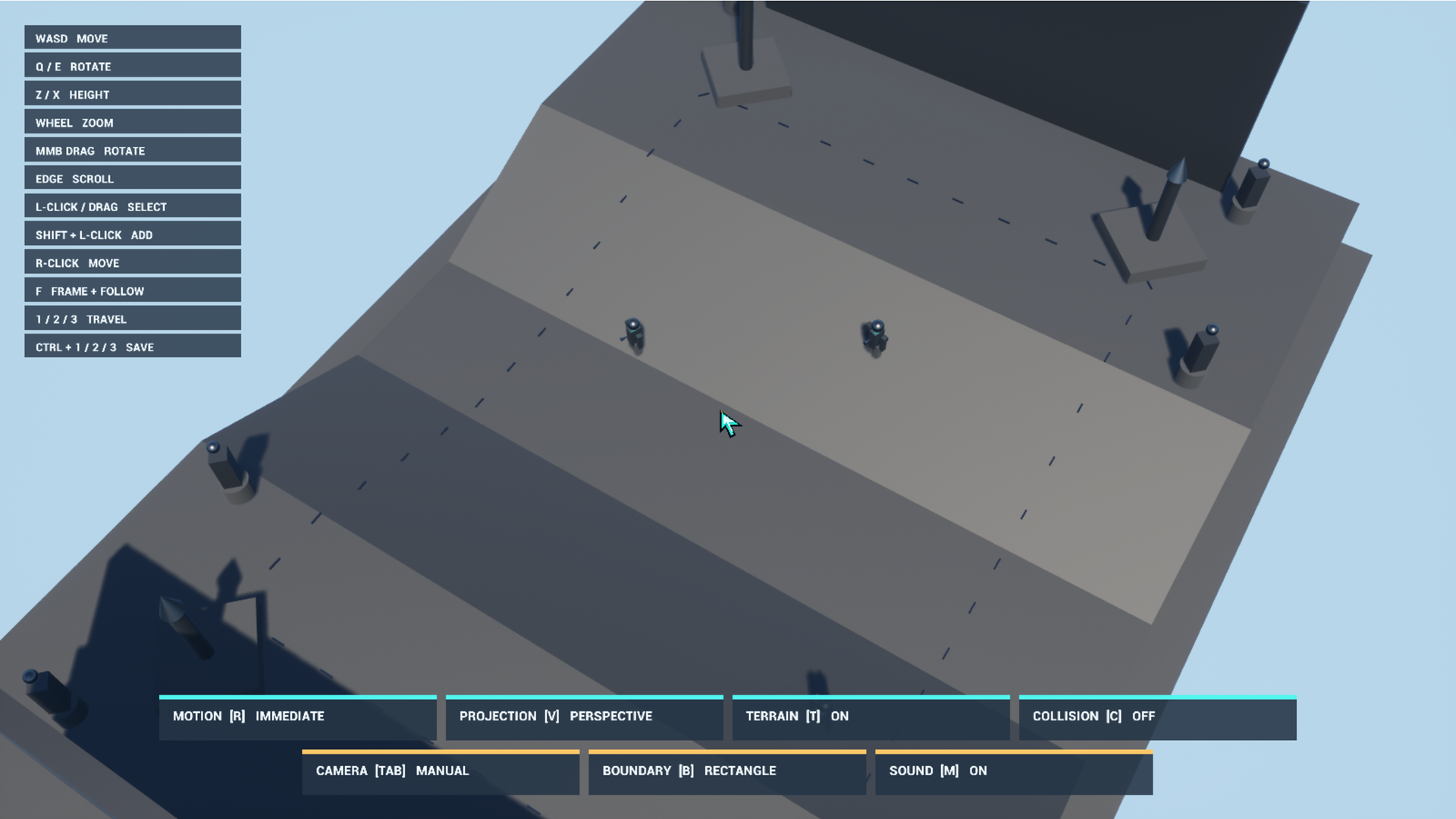
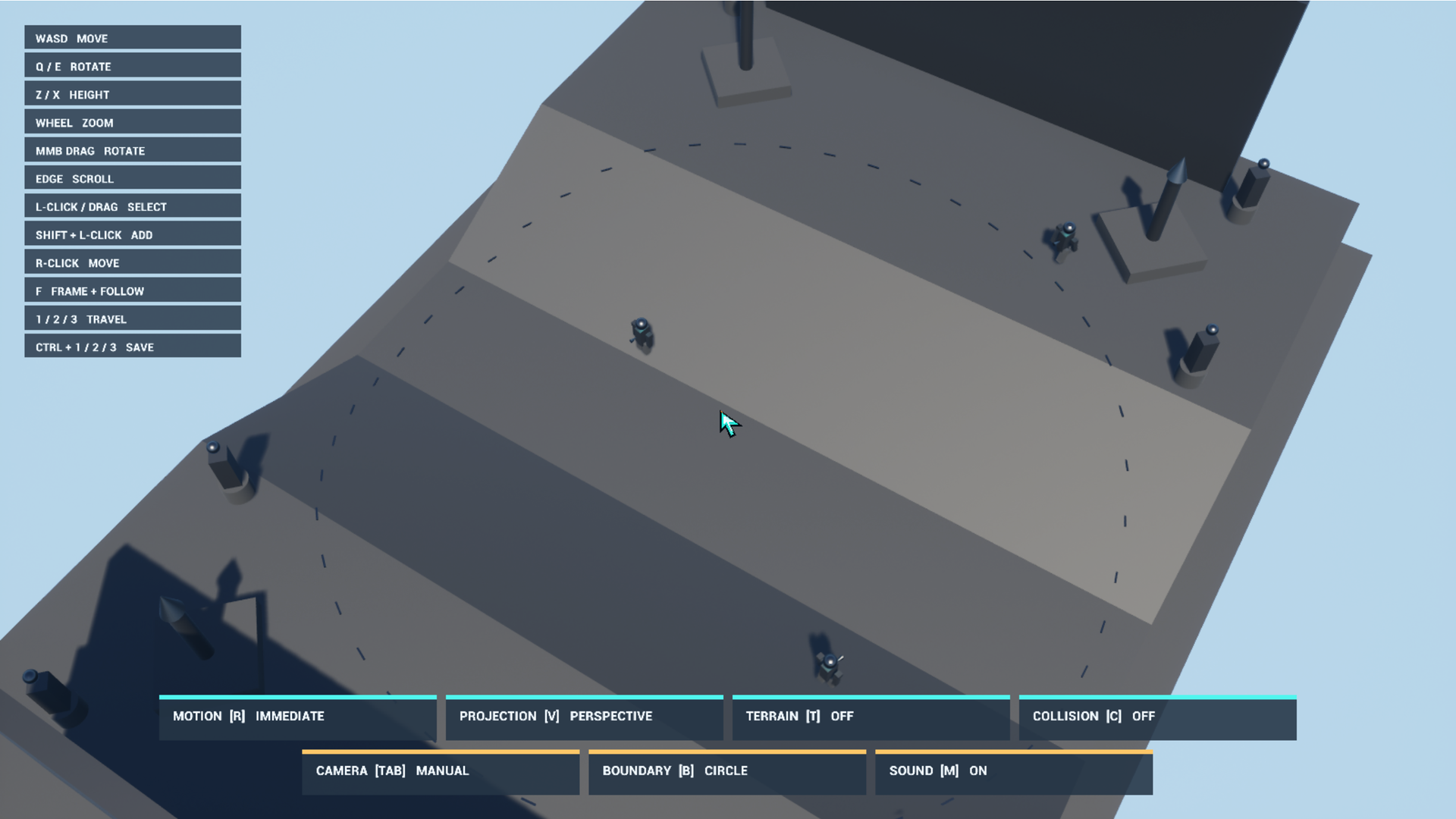
- Perspective and orthographic projection
- Circle, Rectangle, Polygon, and placeable Region boundaries
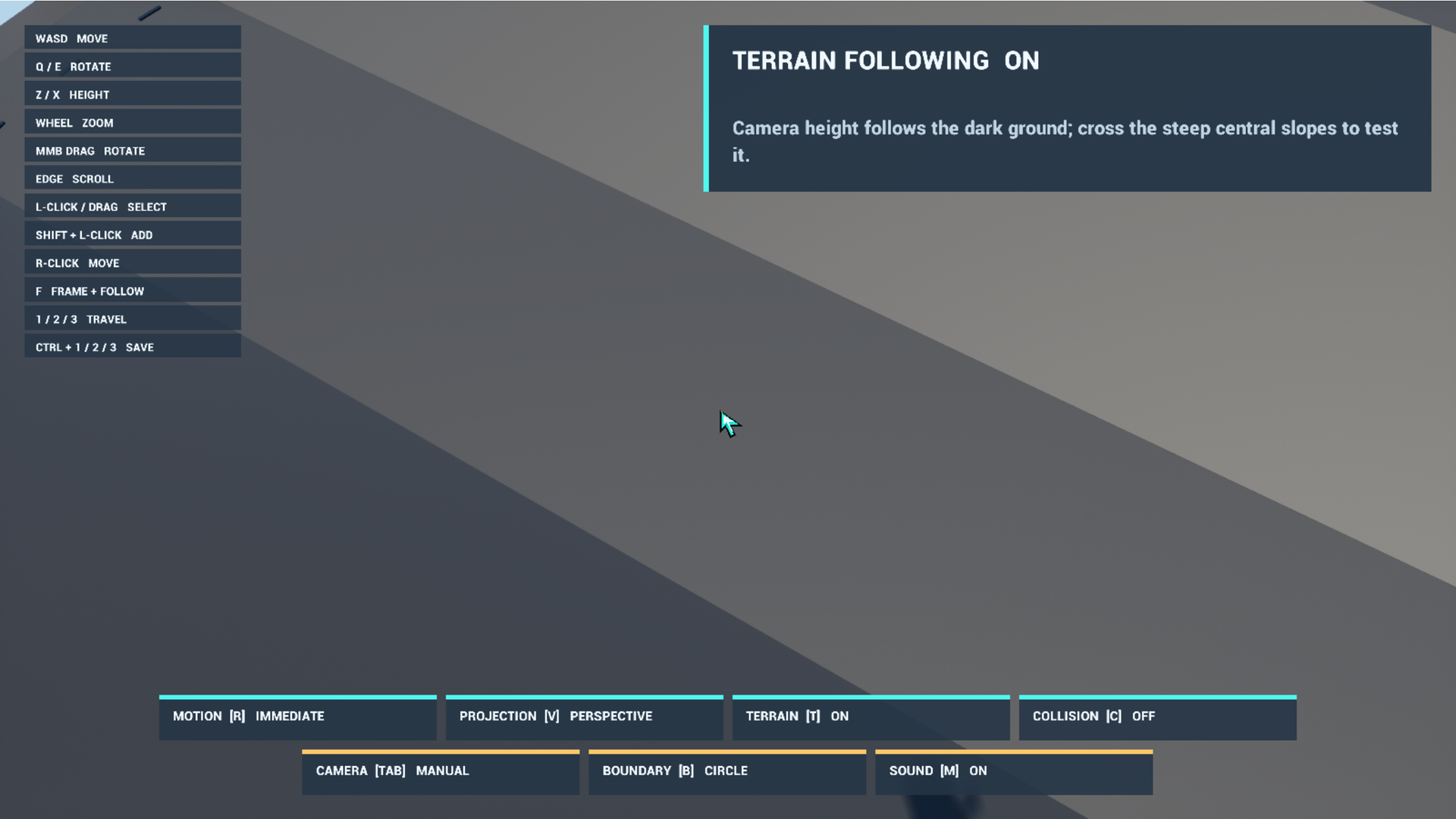
- Terrain following and Spring Arm camera collision
- Runtime bookmarks and smooth camera travel
- Local occluder hiding
- Click and box selection with illustrative formation movement
- Keyboard and mouse, gamepad, and native touch camera input
Important limitations
- Extended showcase shortcuts, selection, and commands are primarily designed for keyboard and pointer input.
- The unit command layer has no navigation-mesh pathfinding, obstacle avoidance, combat, behavior trees, or replicated commands.
- The shared-focus networking example is not exposed in this single-player demo.
- Occlusion uses local binary hiding. Material fading is not included.
- Boundaries constrain planar camera position, not gameplay navigation or camera height.
Get the plugin: Top Down Camera on Fab
Documentation: Top Down Camera documentation on GitHub Pages
Support: FunByDefault community support
Download
Install instructions
- Download the Windows ZIP.
- Extract the entire TopDownCameraDemo_1.1.0_Windows folder.
- Run TopDownCameraDemo.exe.
No installation is required. Download the archive only from this official itch.io page.
Leave a comment
Log in with itch.io to leave a comment.