Map Graph 1.3 Demo
A downloadable game for Windows
Five ways to build a branching map
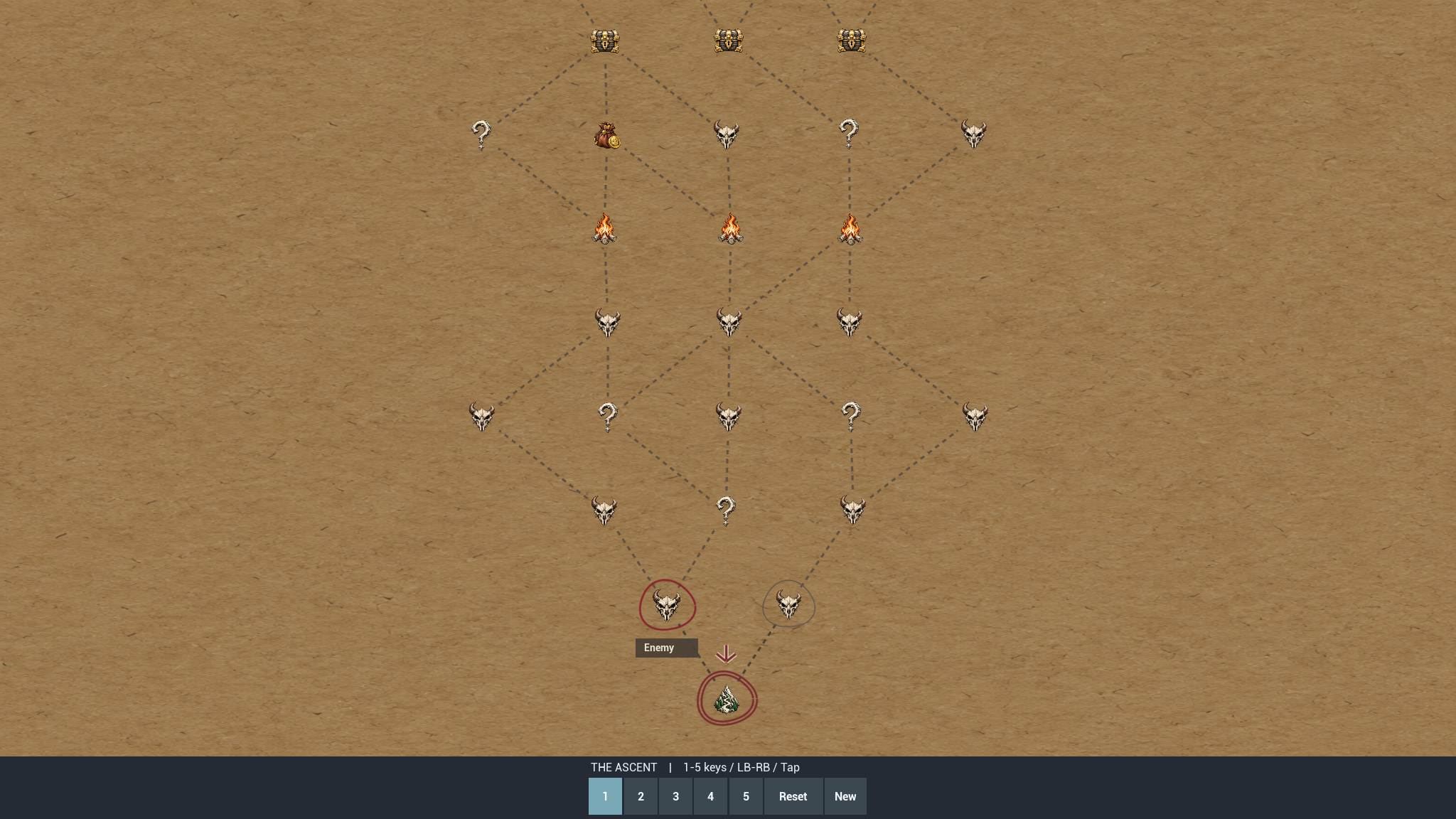
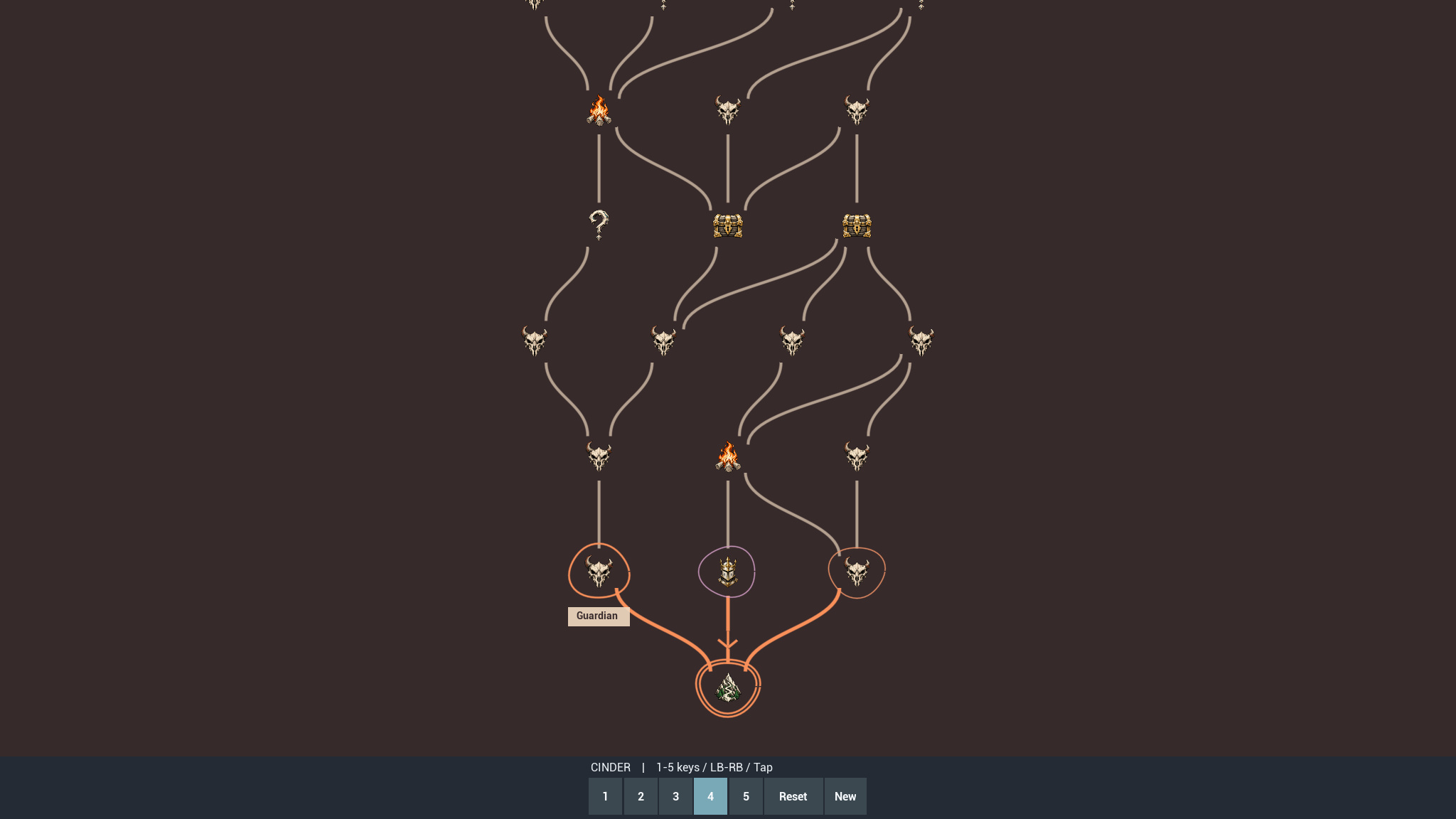
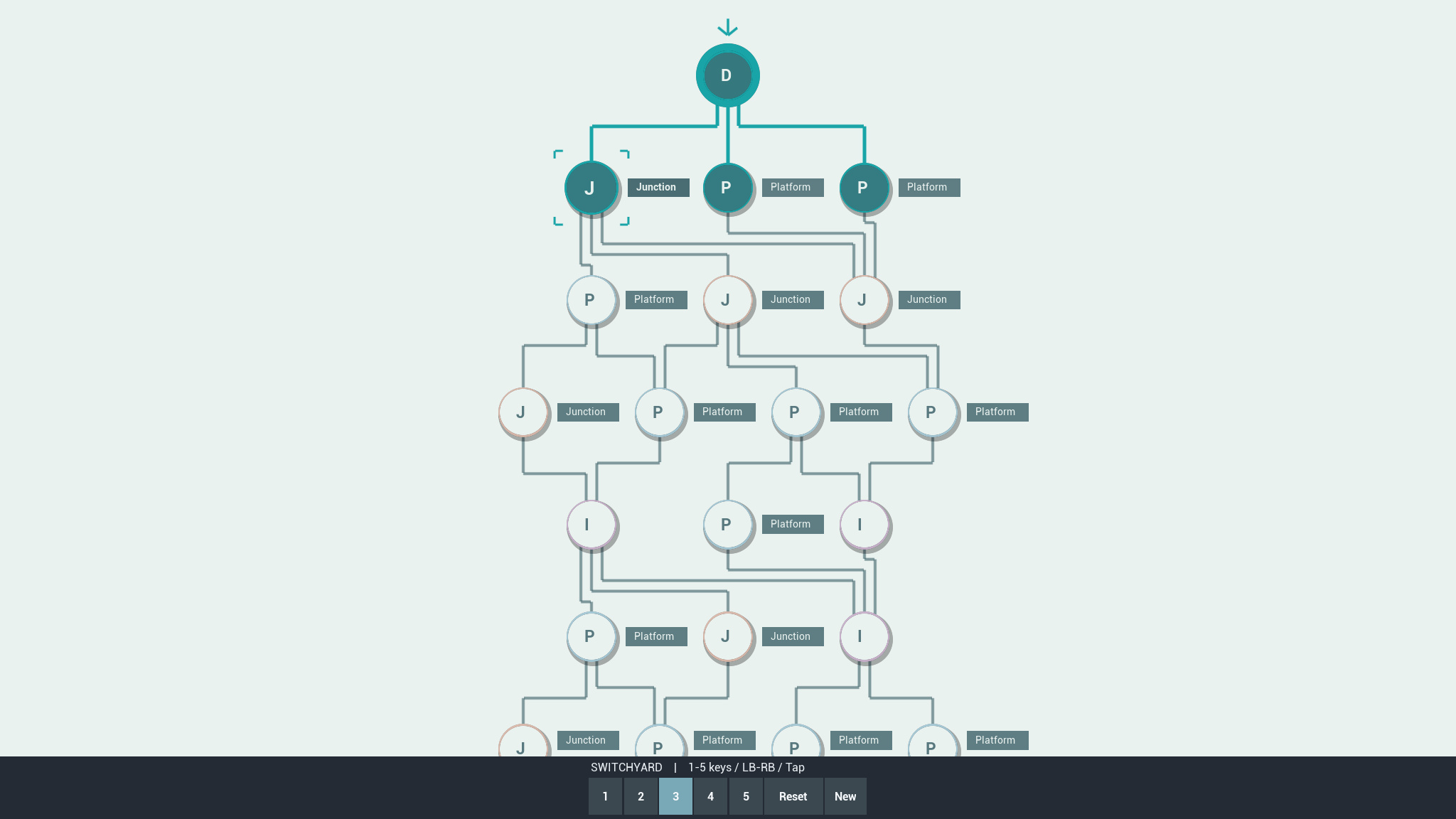
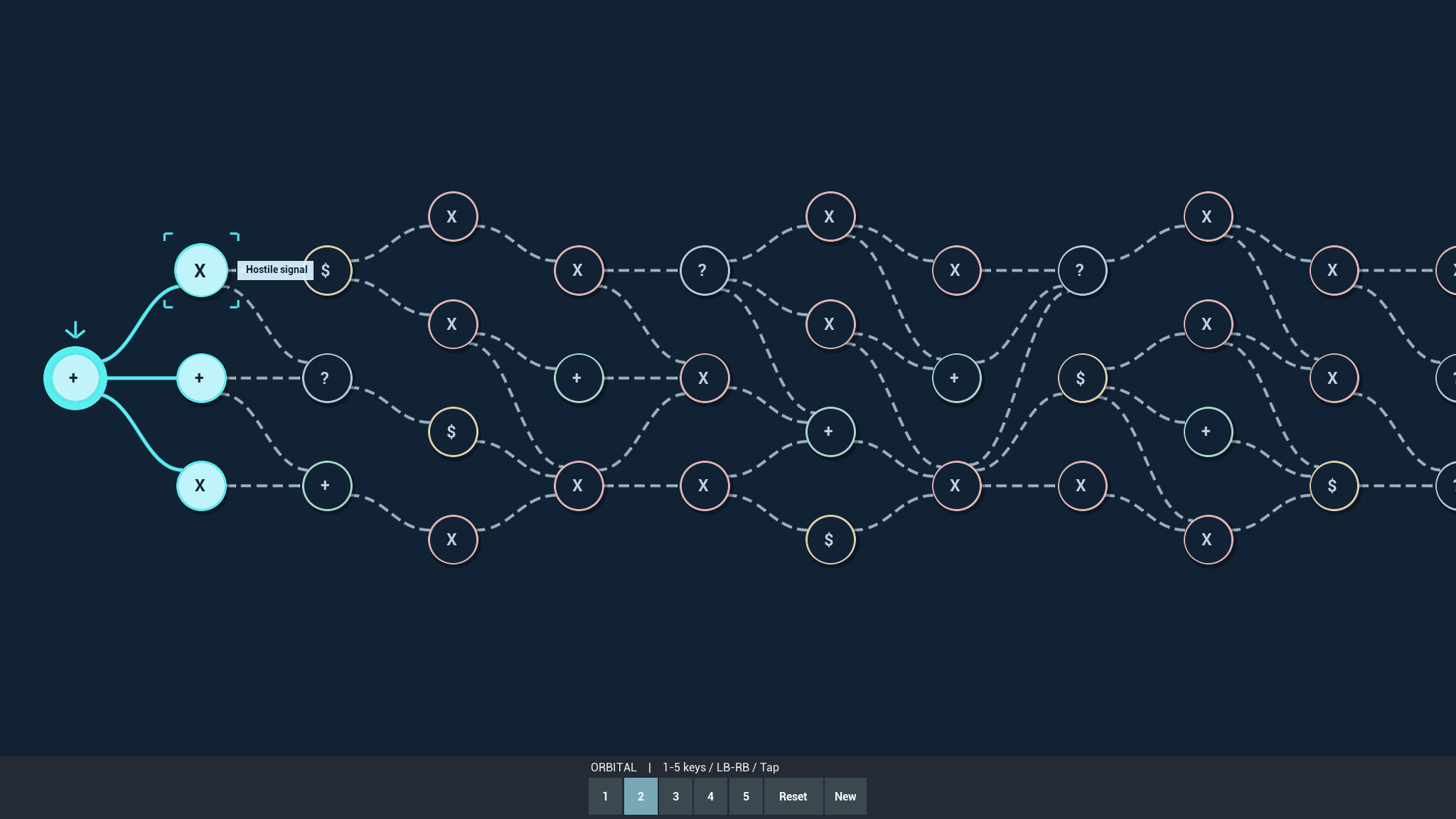
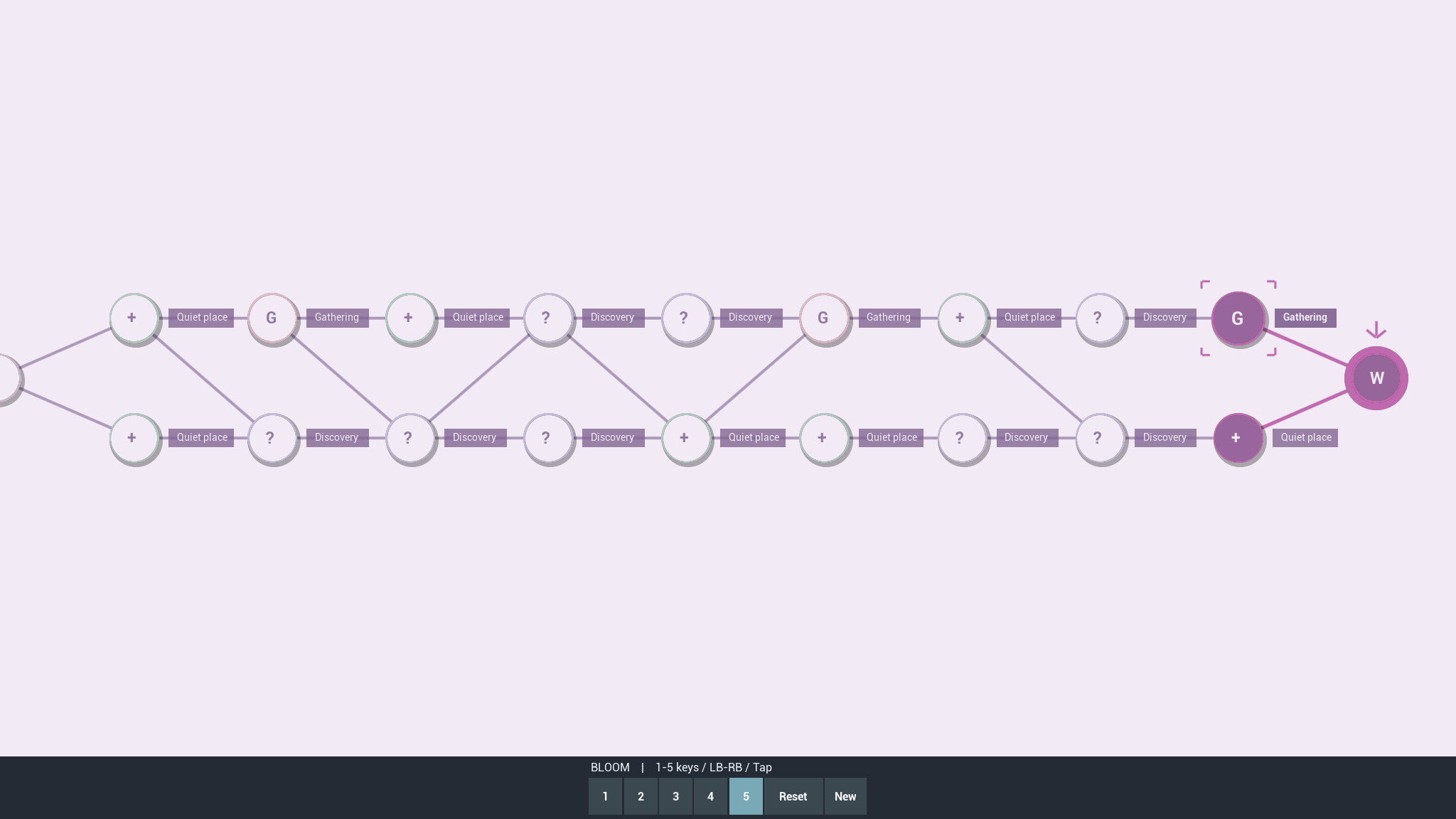
Explore Map Graph 1.3.0 in its shipped Unreal Engine showcase: The Ascent, Orbital, Switchyard, Cinder and Bloom.
Try vertical and horizontal routes, straight and curved paths, separated right-angle lines, node selection feedback and interface sounds. Choose a reachable node, enter the gameplay placeholder, then return to your route.
Controls
- Keyboard: 1 to 5 select examples; Page Up / Page Down cycle. Arrow keys or WASD focus nodes; Enter / Space confirms. Home resets; R generates a new map.
- Gamepad: Shoulder buttons cycle examples; D-pad or left stick focuses nodes; bottom face button confirms or returns. Menu resets; top face button generates a new map.
- Mouse and touch: Select markers and numbered example buttons. Drag or swipe to scroll. Use Return to map, Reset and New buttons.
Run the demo
Extract the ZIP, open MapGraphDemo and run HostProject.exe. Close the game window to exit. Windows 64-bit; built with Unreal Engine 5.8.
What is included?
This free demo shows map presentation and integration. Destinations display "Your gameplay goes here". It is not a complete combat game and does not include editable plugin source, networking or persistent saved runs.
Download
Install instructions
Windows 64-bit. Extract the complete ZIP, open the MapGraphDemo folder and run HostProject.exe. Keep the extracted files together. Close the game window to exit.
Use 1 to 5 to switch examples. Choose a reachable node, then use Return to map to continue. The demo contains gameplay placeholders; editable plugin source is available separately on Fab.
Leave a comment
Log in with itch.io to leave a comment.