Third Person Action Camera 1.0 Demo
A downloadable demo for Windows
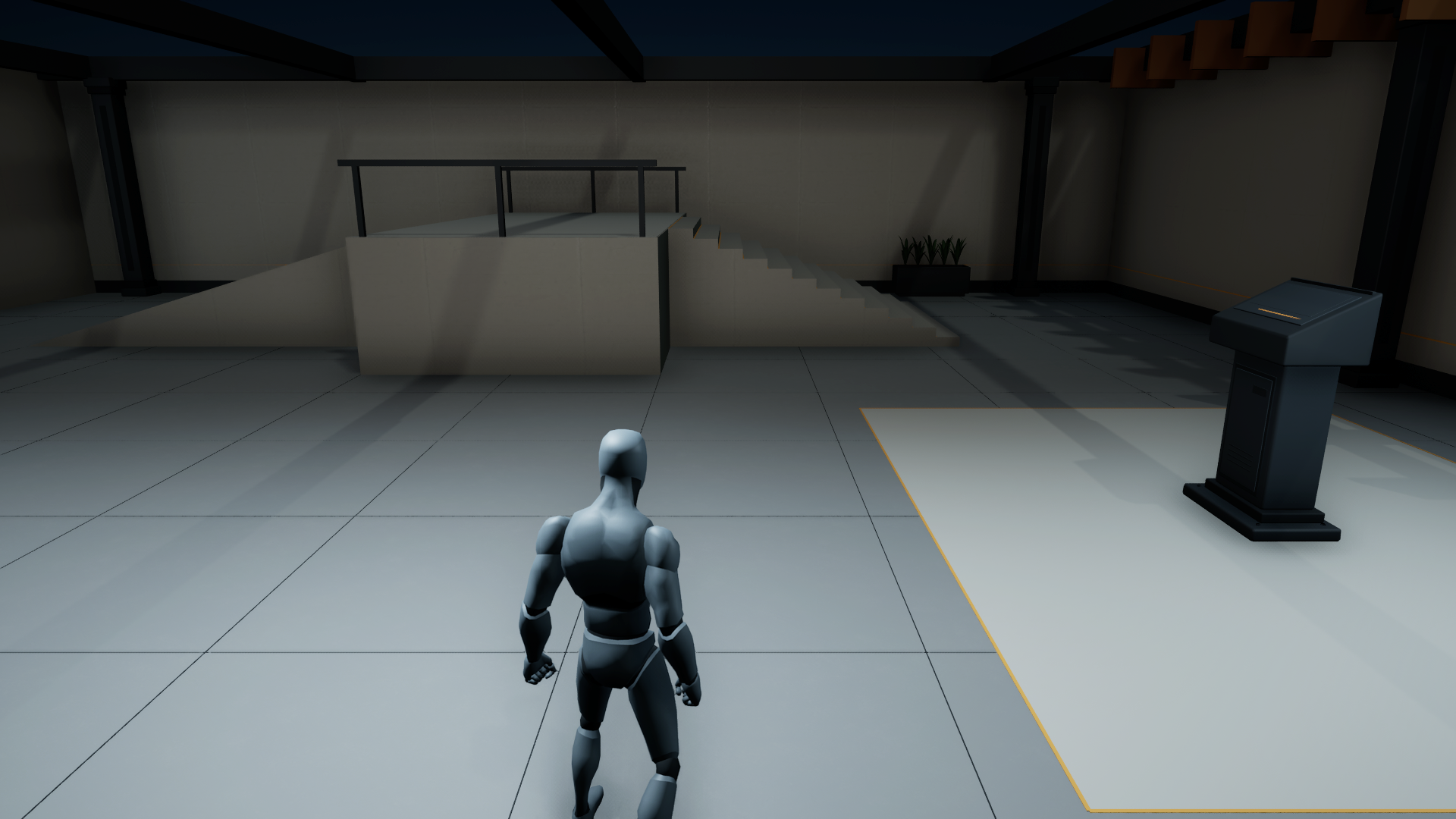
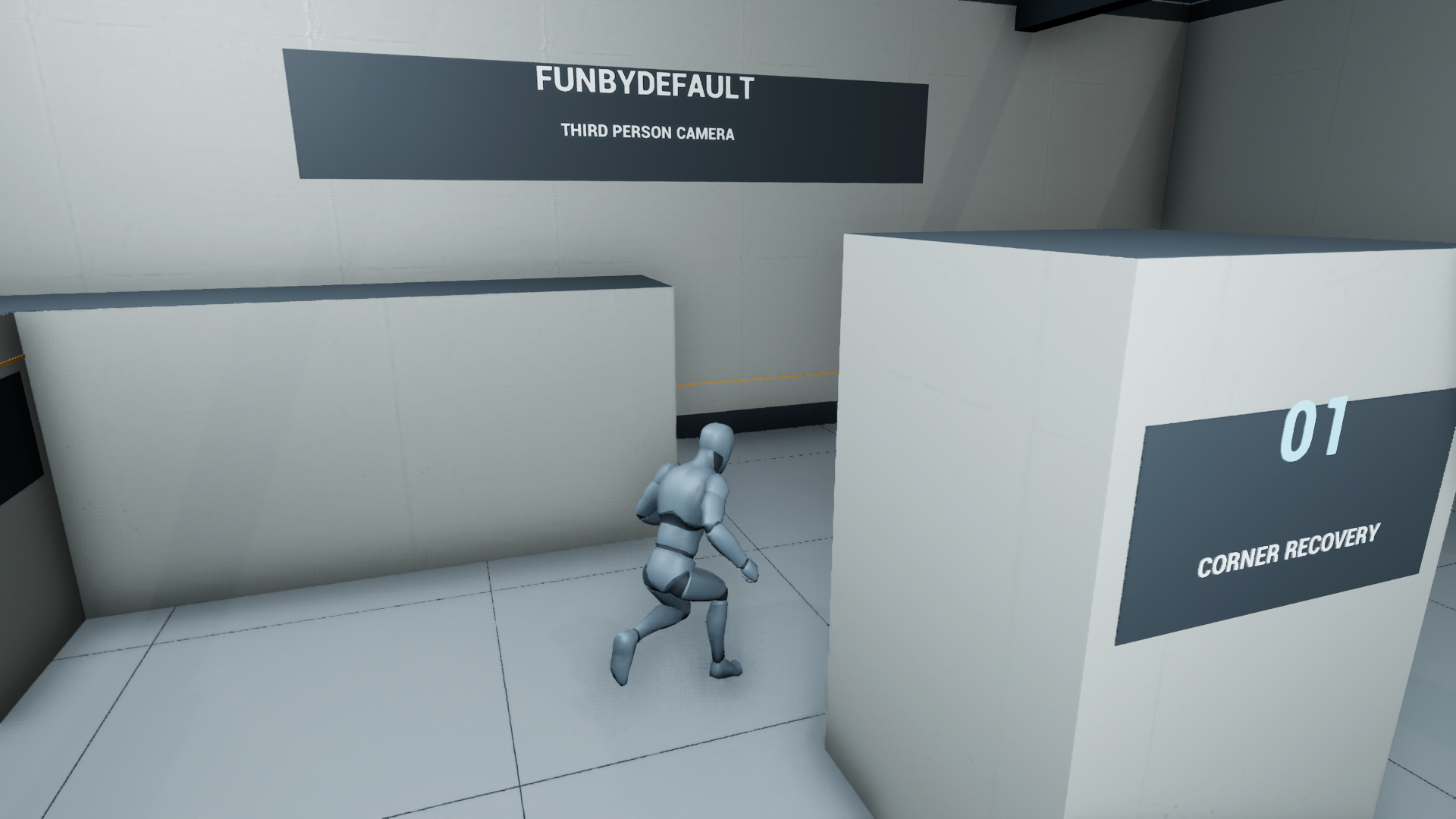
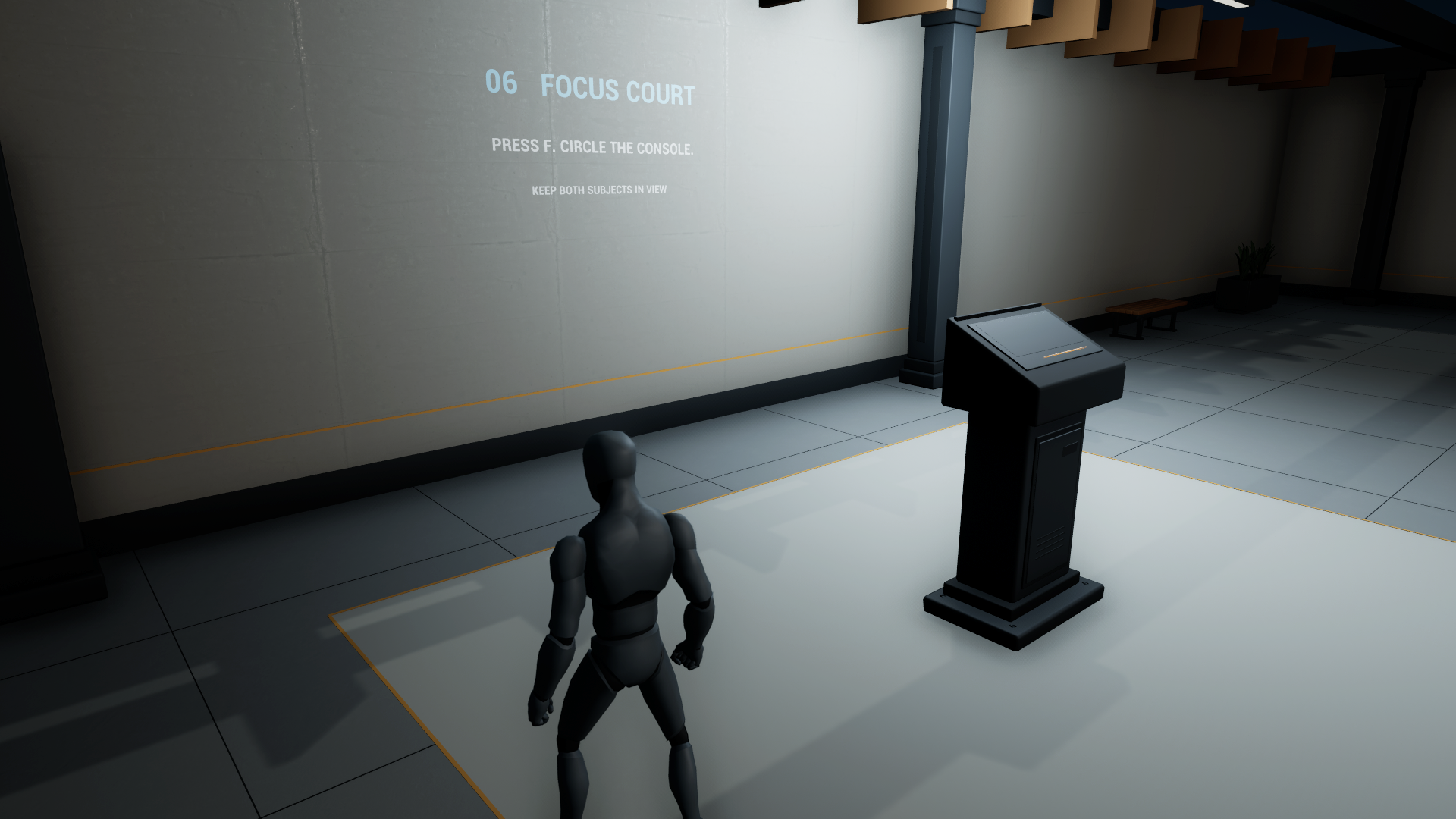
Try Third Person Action Camera by FunByDefault in a purpose-built indoor example.
Explore the camera
- Run around successive corners, through passages and over changes in height.
- Observe follow-point, camera-position and orbit smoothing.
- Acquire and release a focus target, or change shoulder framing.
Controls
WASD or arrows: move · Mouse: look · Space: jump · F: focus/release · Q: swap shoulder · C: suspend/resume camera · R: snap · Tab: debug drawing.
Gamepad: left stick moves, right stick looks, bottom face button jumps, left shoulder focuses and right shoulder swaps sides.
Scope
This is a Windows demonstration of a local camera component. The full plugin supplies source and Blueprint controls; your game supplies movement, input mappings and target selection. Collision, focus range and framing caps can limit the view in tight spaces.
Download